2 months ago • By Eugene • General Knowledge
How to Sell Your Book on Kowcha
You can list your book for free on Kowcha and start selling immediately. Follow this guide to start selling on Kowcha.
Register & Opt-in as a creator
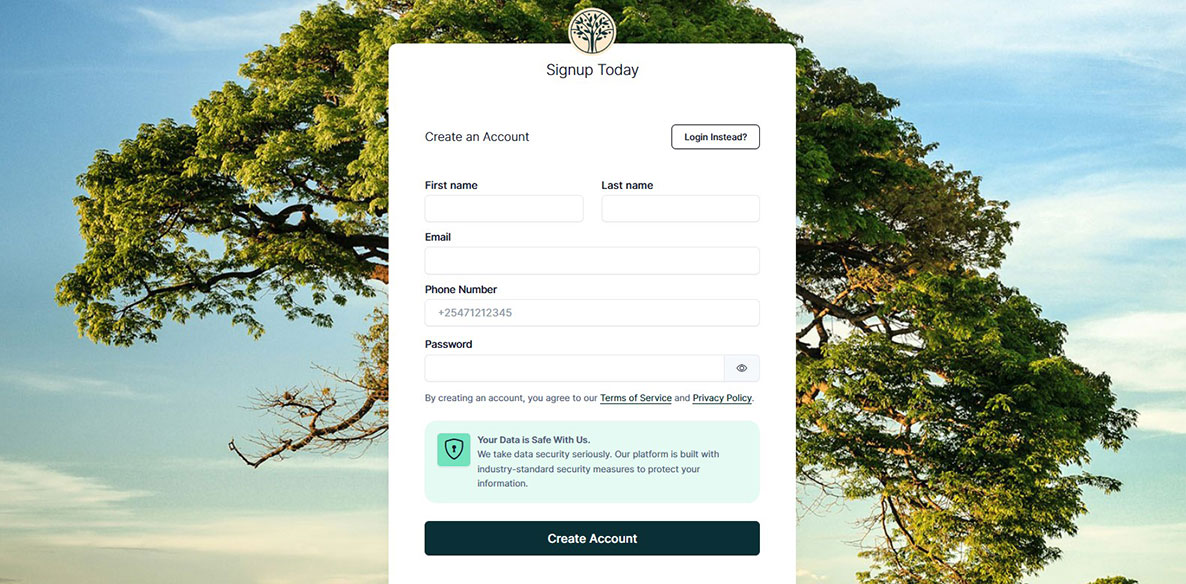
Create an account on Kowcha here - https://kowcha.com/register then option as an author/coach here https://kowcha.com/sell.
Upload Your Book
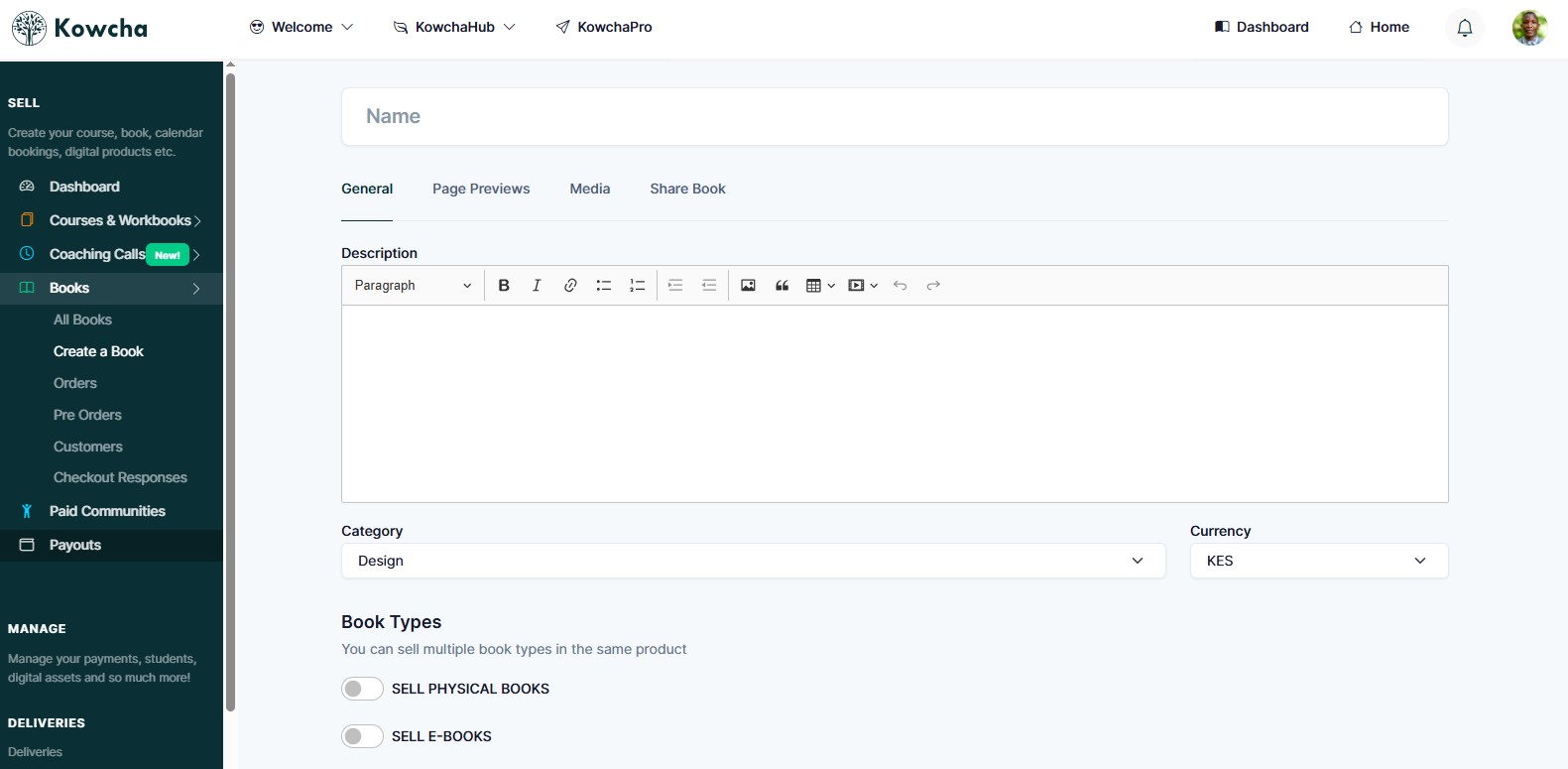
Click on the dashboard link in the site navigation, to go to your creator dashboard. Then click on Books → Create a book to start the book upload process. You can upload details for your physical book and digital books here.
Need help?
Have a question, need some help or advice, reach out to out support team. We're here to help! Talk to us.
